Skip to content
Social Studio by Unplugged

MOMENTS
TURNED INTO
MOMENTUM.

Find your tickets and check the schedule. Create a post with event graphics, photos or session notes. Built for Unplugged events.

See the tools
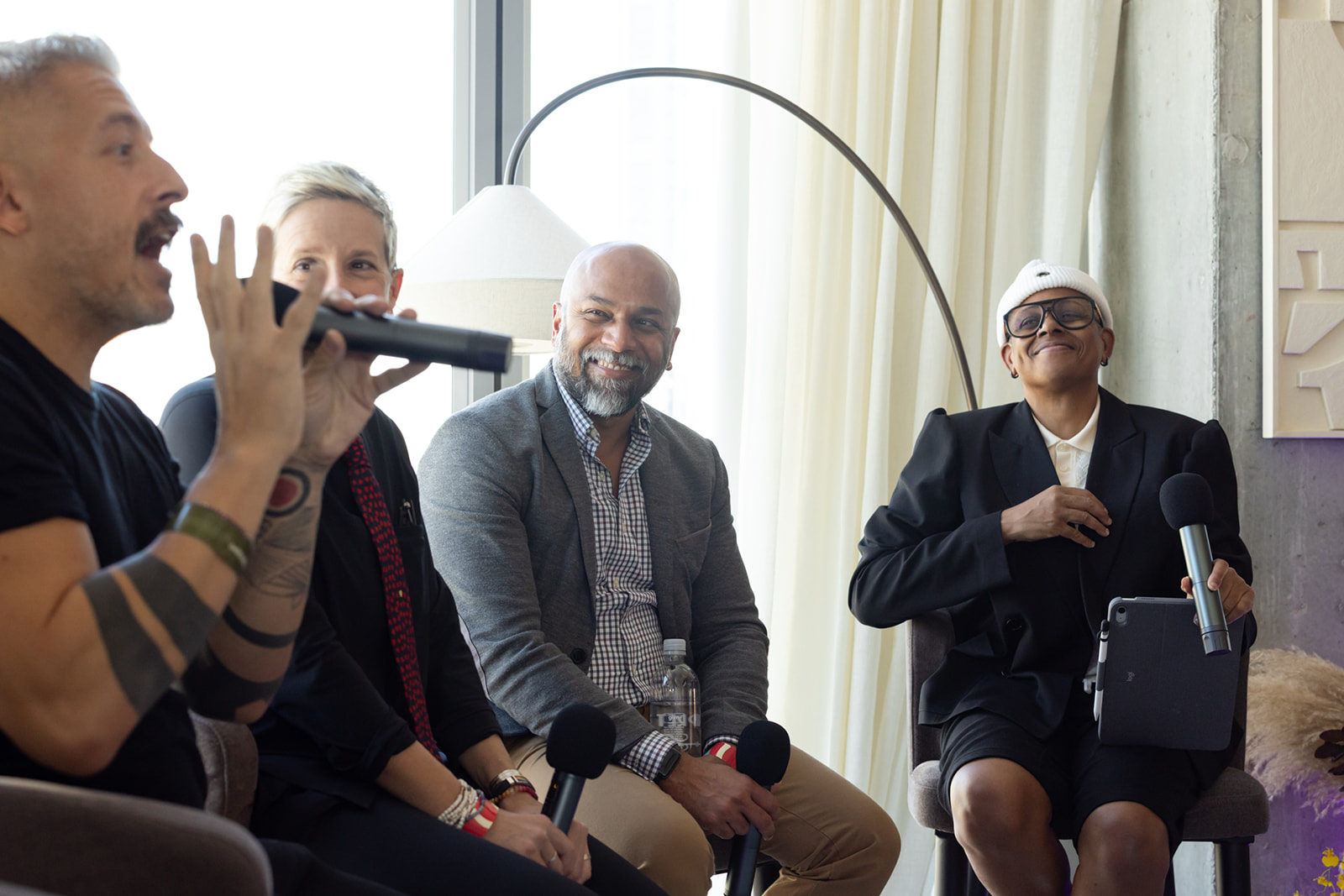
People gathered in conversation at an Unplugged event
Speakers sharing ideas on stage at an Unplugged session
Session notes · QUOT

Turn a session topic into a post.

Start with a suggested draft. Edit the caption and choose a photo.

Session notes and post ideas from QUOT.

Event detailsCreator ToolkitSession notesSpeaker Hub

EVENT DETAILS.
CREATOR TOOLS.

Check where to go and who’s speaking. Share that you’re attending or write a recap afterward.

An audience listening to a conversation at an Unplugged event

Know before you go.

Event details & schedule
Where to go, when to arrive and what’s happening on stage.
Ticket Wallet
Find your Unplugged tickets using the email addresses you registered with. Verify an address before adding its tickets.
Speaker information
Read speaker bios and see their sessions.
Go to My Events
AMPT

LET PEOPLE KNOW
YOU’RE GOING.

Choose an event graphic and write your caption. Personalize supported designs with your photo and details. Download the image or review your post for LinkedIn.

Event graphics provided by your organizer.
QUOT

SESSION NOTES.
POST IDEAS.

Read notes from recorded sessions and choose a suggested post topic. Edit the draft and add a photo before sharing.

Available when your organizer releases session content.
An Unplugged speaker in conversation on stage
Speaker Hub

SPEAKING AT
AN EVENT?

Check your assigned sessions and read the organizer’s preparation notes. Keep your speaker profile up to date.

Use the invitation from your organizer to sign in and confirm your details. Find speaker graphics here when they’re available.


Open Speaker Hub